The Sunday Bagman game this week will be on Killa's Bagman server starting at 9pm UK time.
Game details:-
Server : Sundays Bagman Game
IP : kp.hambloch.com:31519
Date : Sunday 30th April
Time : 9pm UK time
Check the World clock to see what time it is where you are when it is 9pm UK time here.
Grab the complete Bagman maps map-pack from here.
Come along and join in the fun (even if you can only come along for an hour or so) :)
Welcome back [VL]Jogger
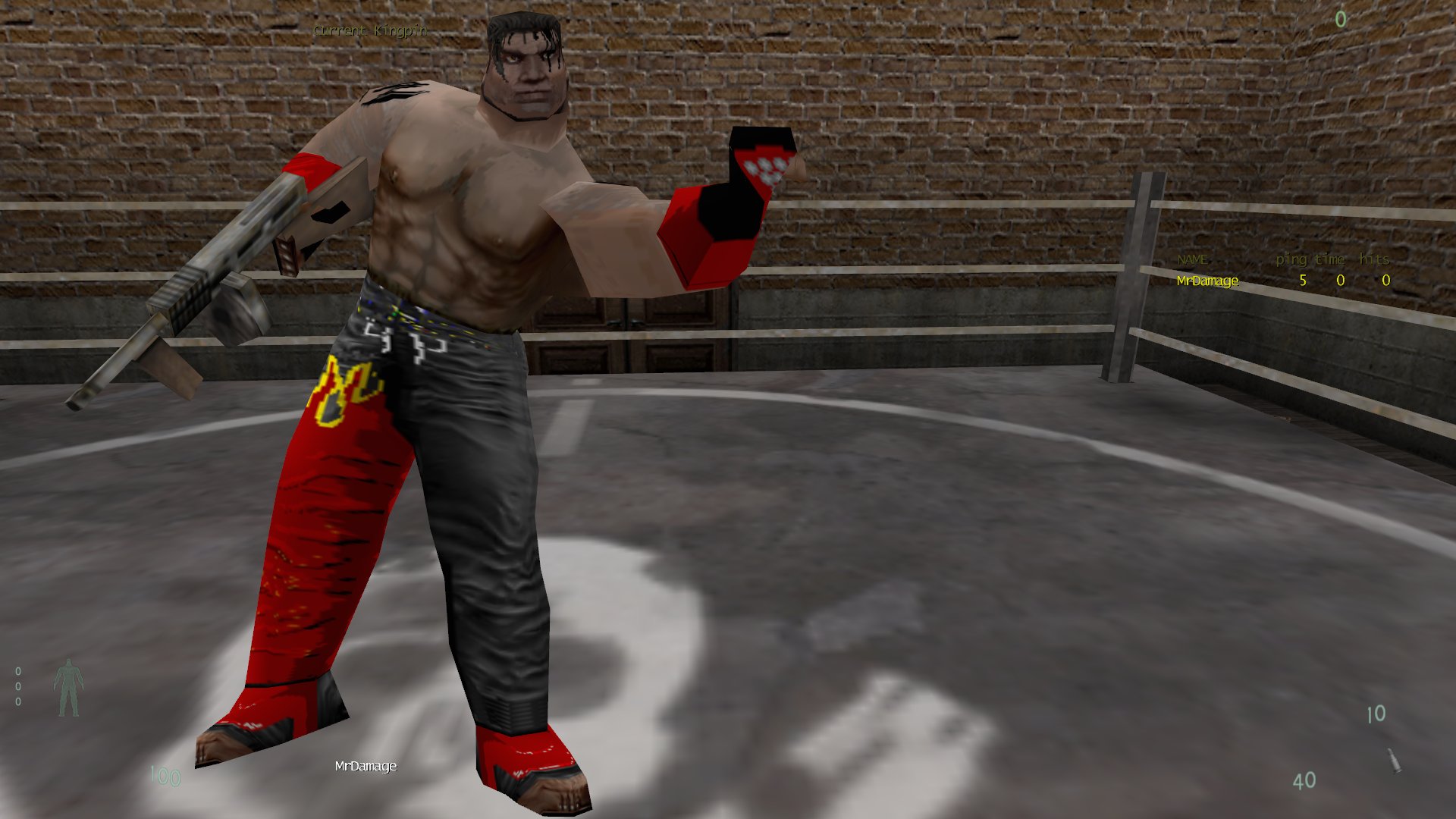
Here is a Jin Kazama skin, from Tekken 3, for the thug model made by Western Girl. Too bad there is no hand to hand fighting in Kingpin :P
You can download Jin Kazama from here.
Unzip the skin files into your Kingpin folder and they will be placed into the correct location.
To select thsi skin pull down the console (tilde key ~) and type in:-
skin "male_thug/jin jin jin"
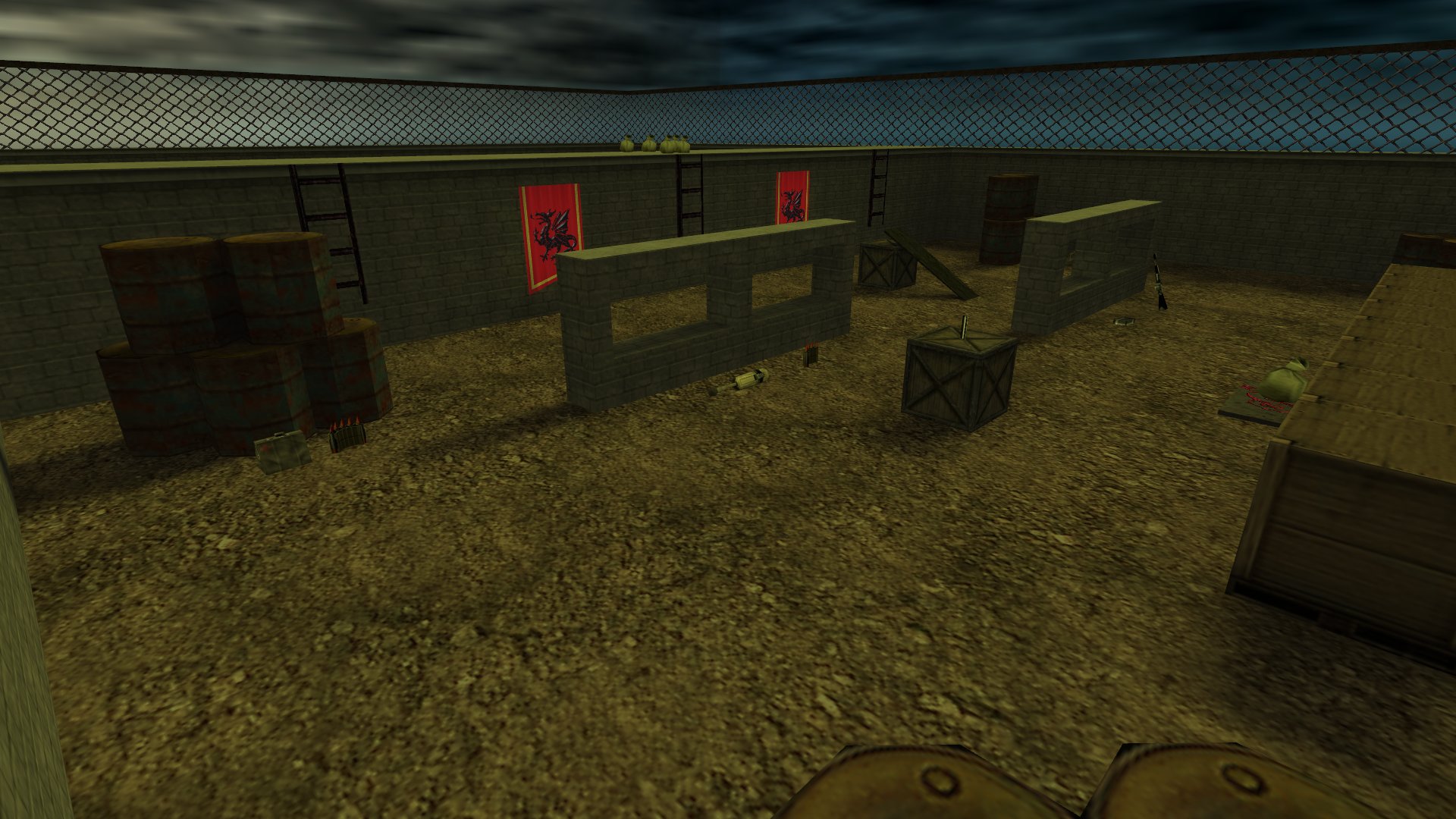
Team Berlin is a small, frantic, Bagman map that is a remake of an old Quake 2 mod map.
Each team has small spawn rooms where you grab armour and ammo and then teleport out to the playing area.
There are two bases separated by a wall in the middle of the map. The money drop is on the wall and there are sevral ways to get over the wall.
You can download Team Berlin from here.
We may have a new player model to use in the servers shortly. It's been about 15 years in the making but it will be well worth the wait.
Check out a screen shot here.
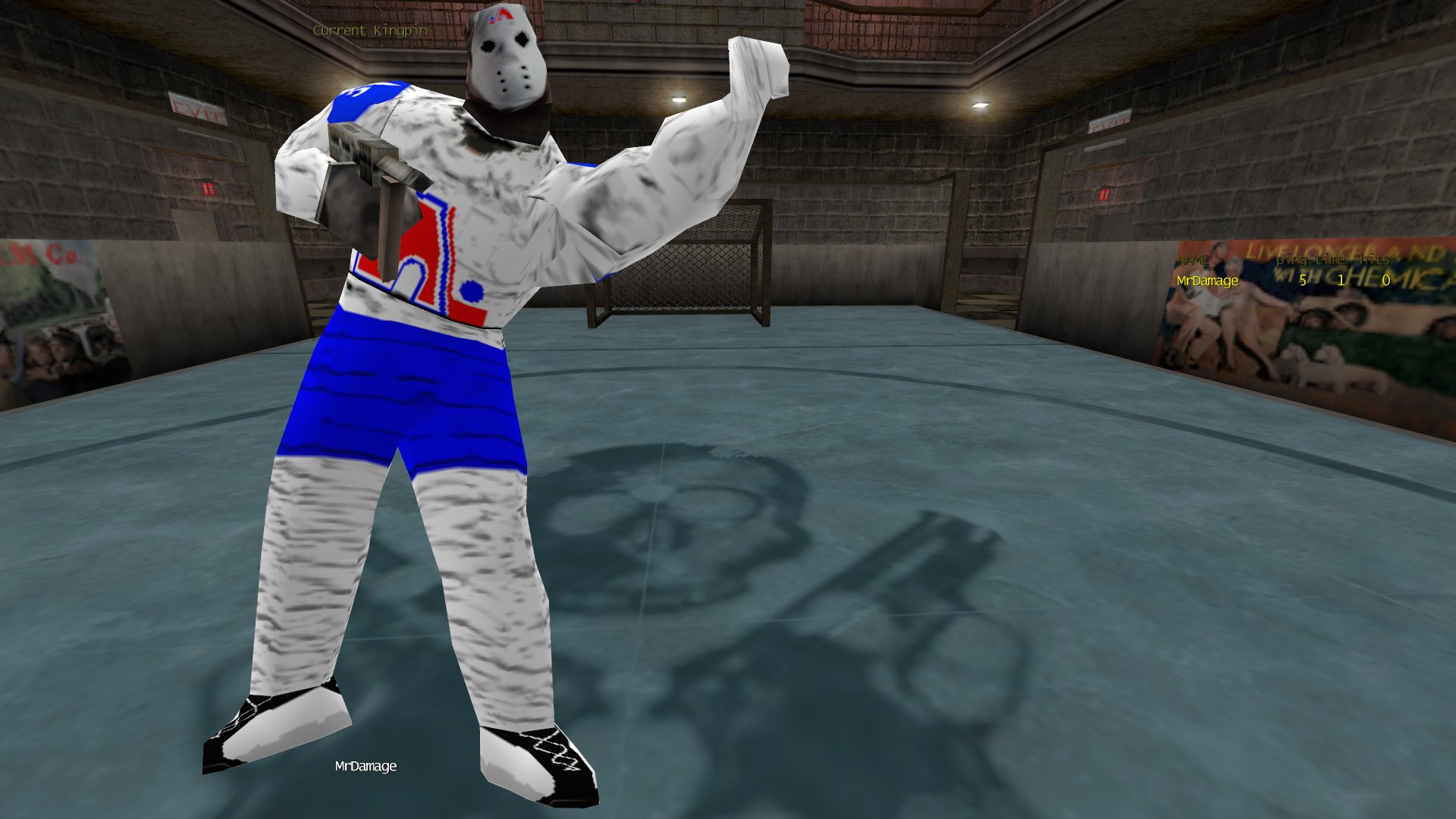
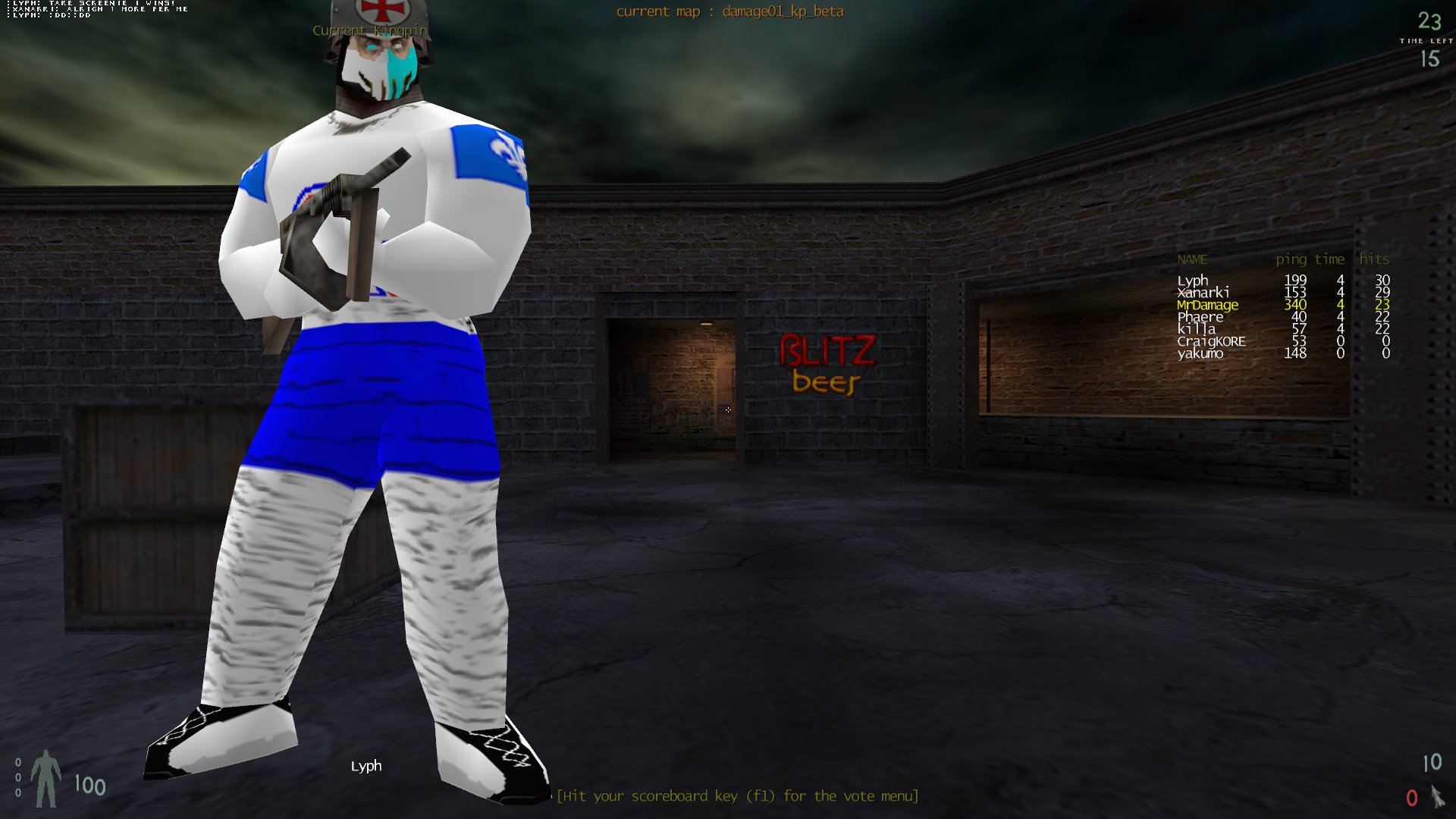
Here is a skin for the thug of a player from the defunct Quebec Nordiques NHL team (they moved to Denver Colorado in 1995).
The skin features two bodies and legs (one with shading and one without).
You can download the nordiq skin from here.
Extract the files into your Kingpin folder and they will be placed into the correct location!
Easiest way to select this skin is to:-
Pull down the console (tilde key ~)
type in :- skin "male_thug/nor nor nor"
or
skin "male_thug/nor no1 no1"
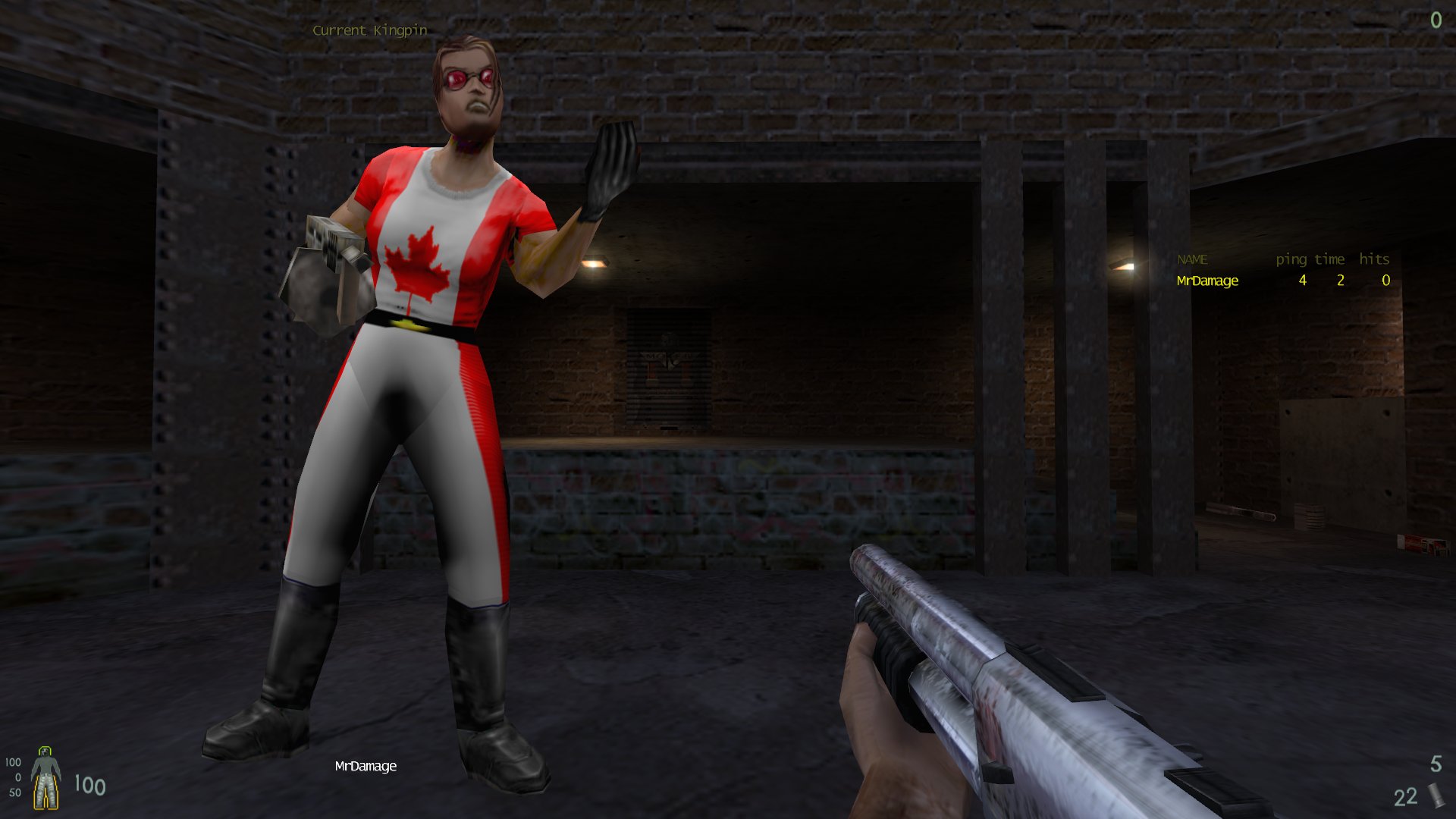
Here is a nice Canadian themed skin for the bicth model.
It doesn't include a head skin but looks good with head_605.
You can download the Canadian bitch skin from here.
Just extract all files to your kingpin folder and they will be placed in the correct locations.
Easiest way to select this skin is to:-
Pull down the console (tilde key ~)
Type in :-
skin "female_chick/605 can can"
Read More
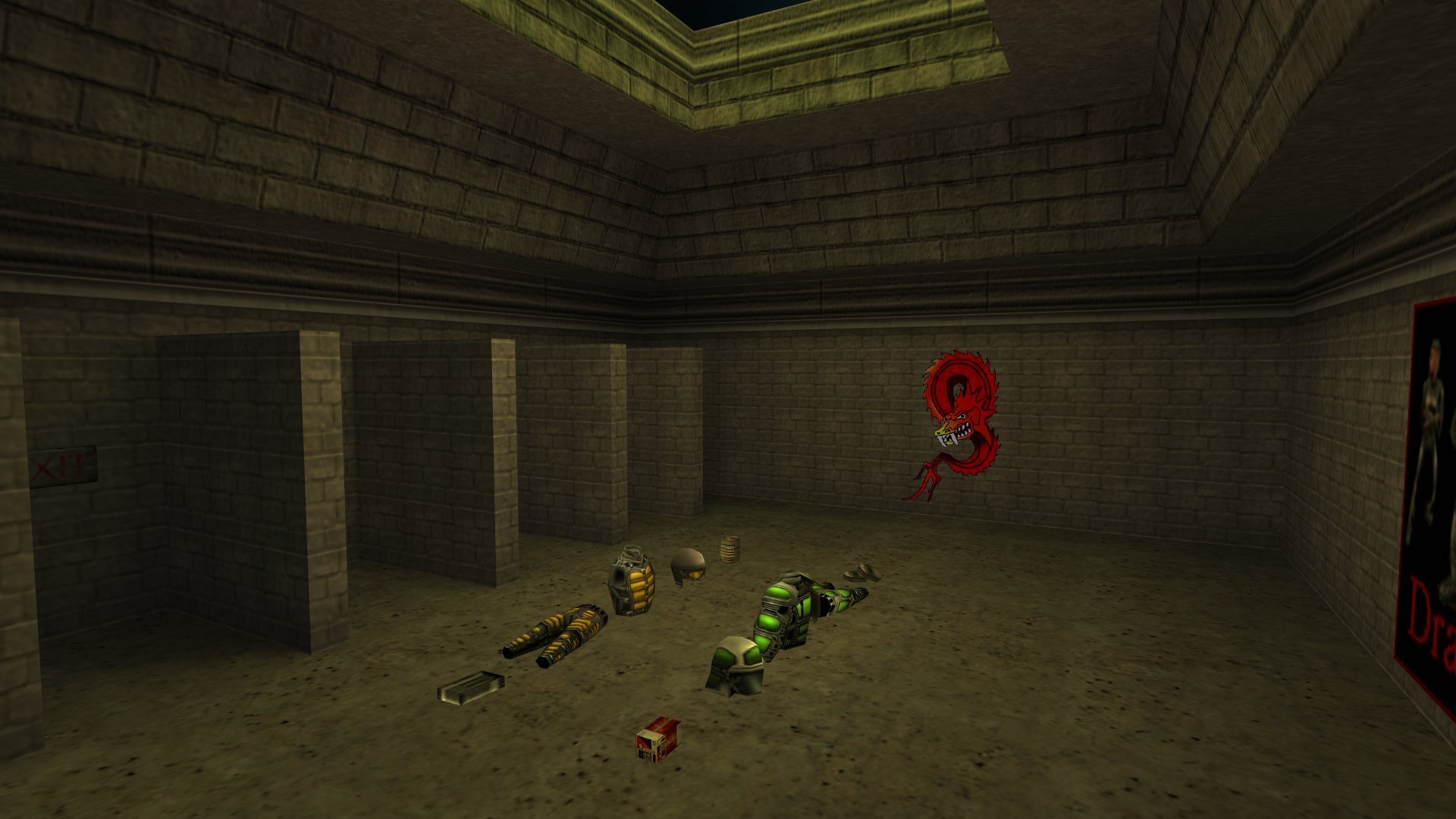
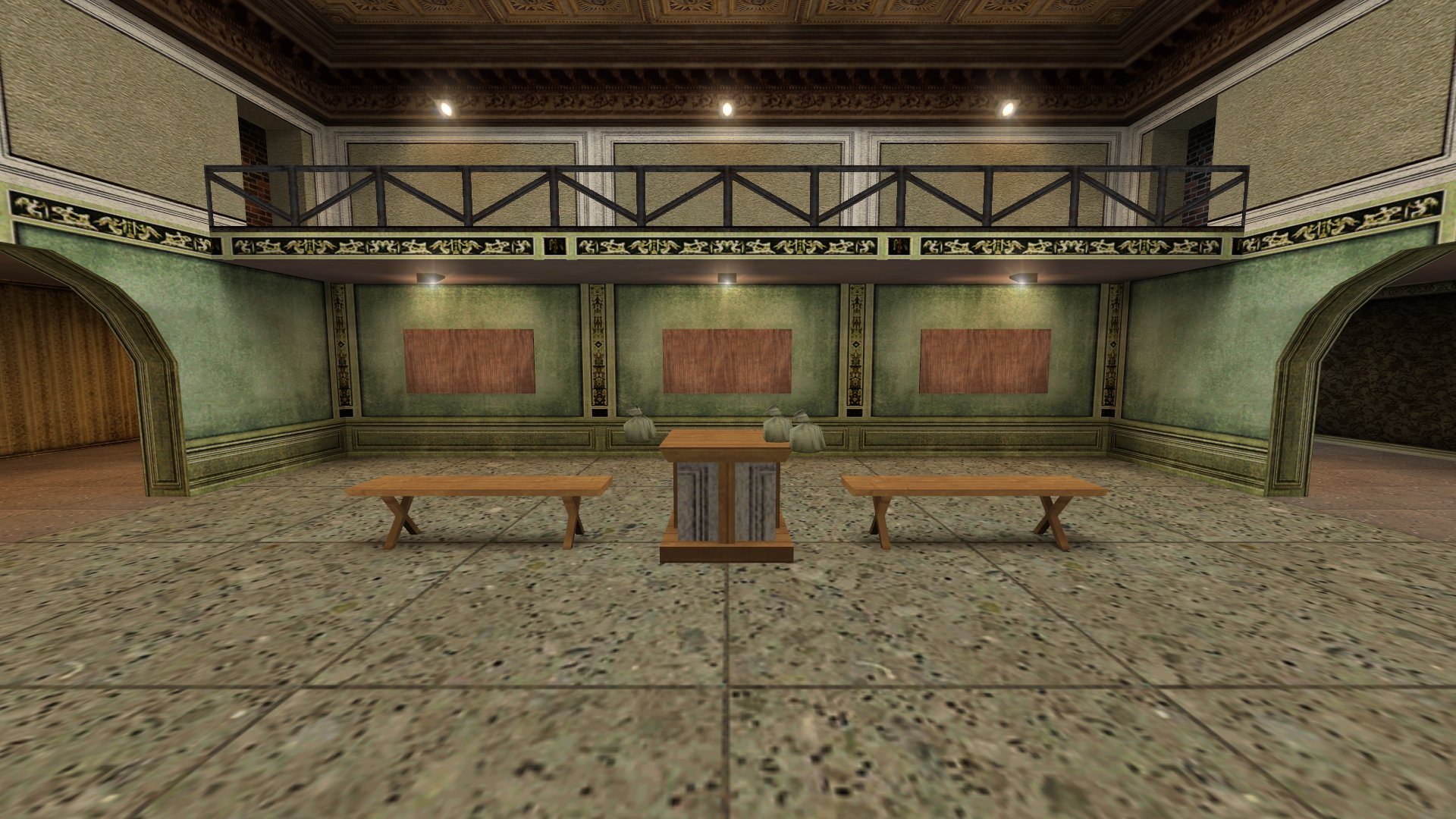
The girls don't really appreciate the Art Erotique Bagman map like the guys do so Monkey Harris has created an amended version just for them. In the revised version all the art has been stolen and all that is left are the boards that the paintings were mounted on.
You can download Team Art Stolen from here.
If you want to grab the original Art Erotique Bagman map (team_art) you can download it from here.
Update 27th April For an alternate solution Acc has remade all the art textures to look like they have been defaced by vandels so all are covered up.
You can see some screens and download the updated textures from here
Just unzip the files to your kingpin/main folder and it will overwrite the existing textures if you have them.
Thursday's game this week is the Hitmen mod starting at 9pm UK time on Killa's server.
Details :-
Server : Thursday Hitmen Game
IP : kp.hambloch.com:31519
Date : Thursday 27th April
Time : 21.00 (9pm) UK Time
Check the World clock to see what time it is where you are when it is 9pm UK time here.
If you need the Gamespylite Kingpin server browser you can download it here.
This is a Youtube video of highlights of one of our previous Hitmen game nights here.
I hope to see you all there :)
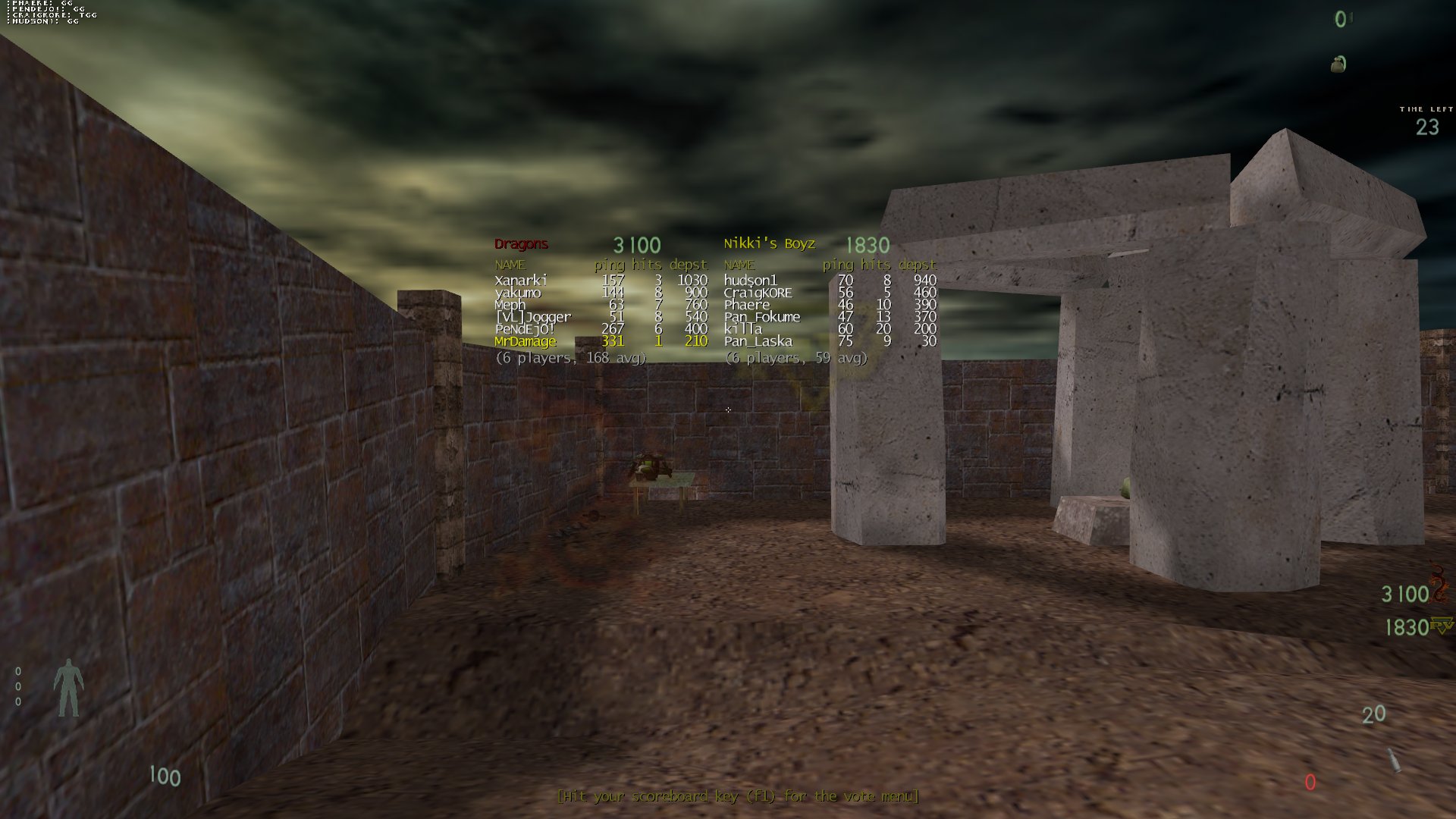
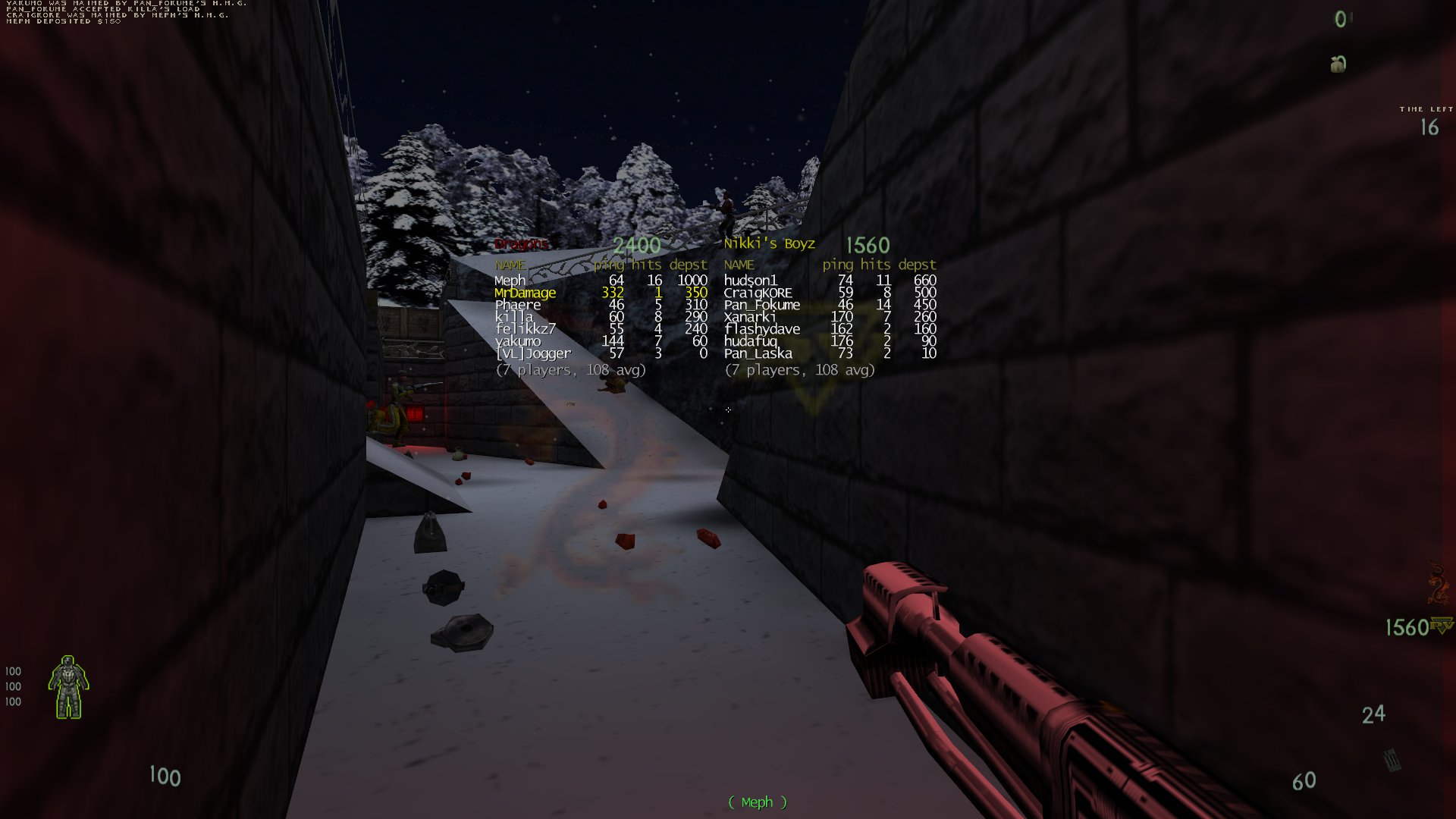
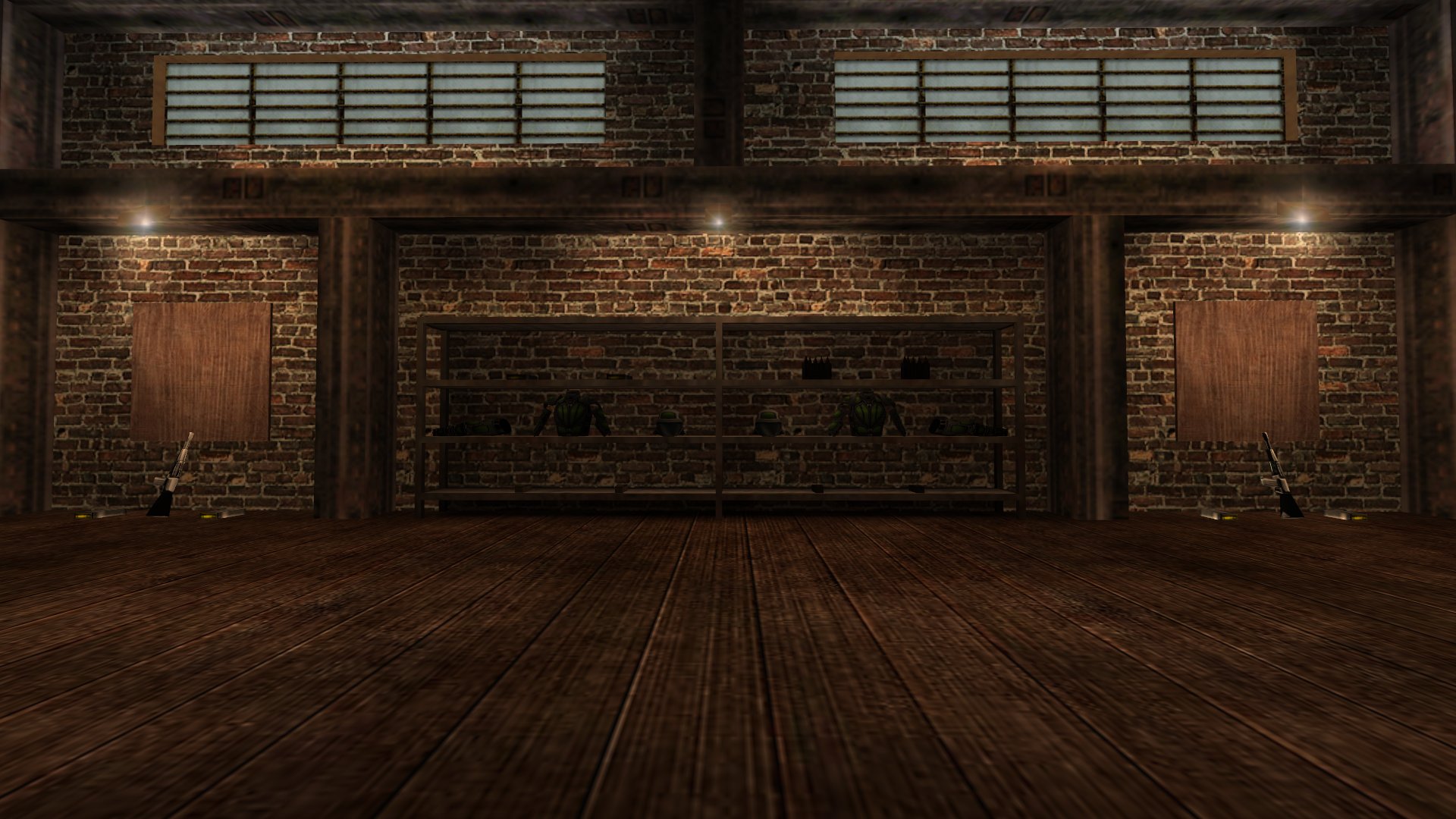
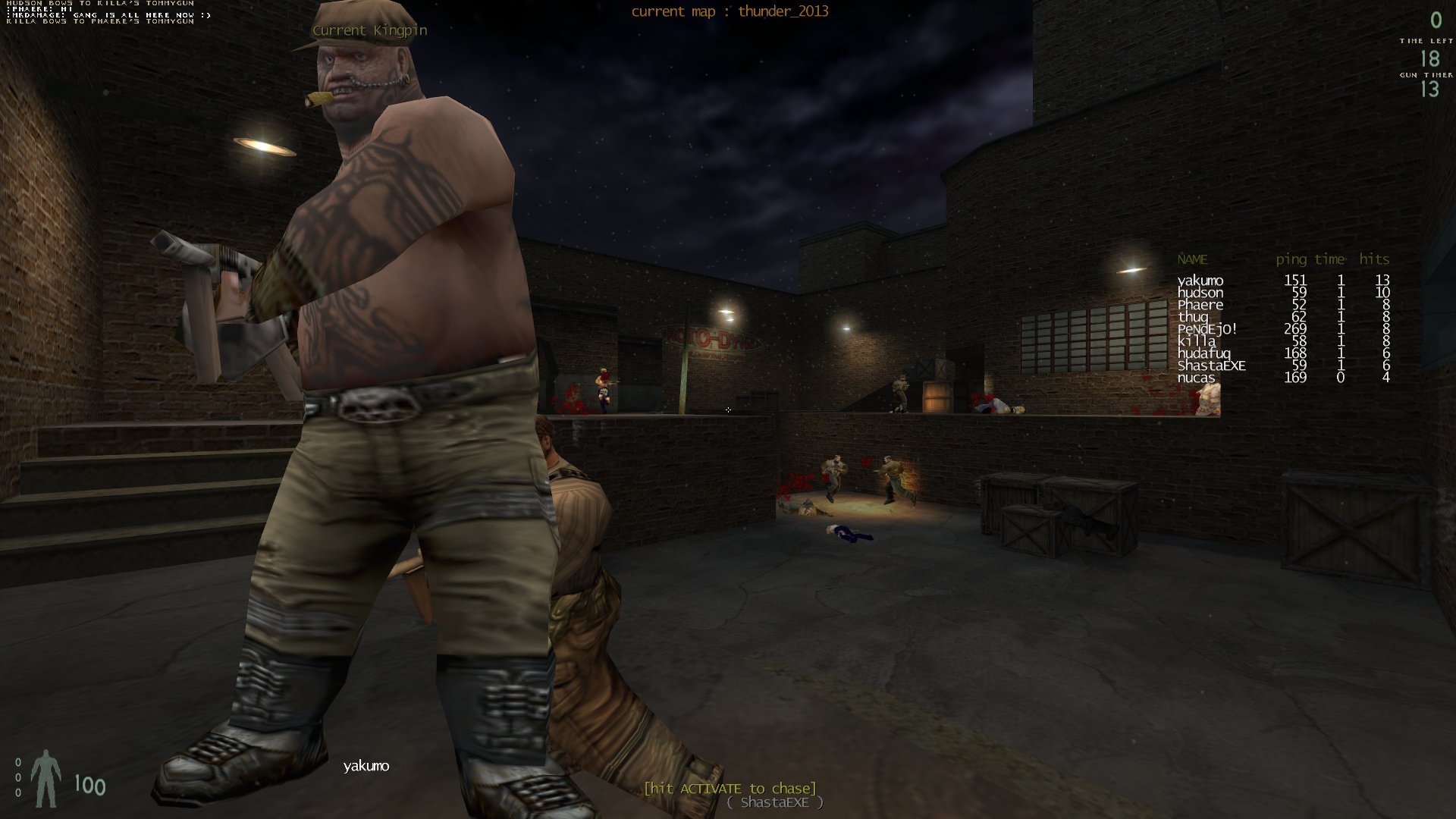
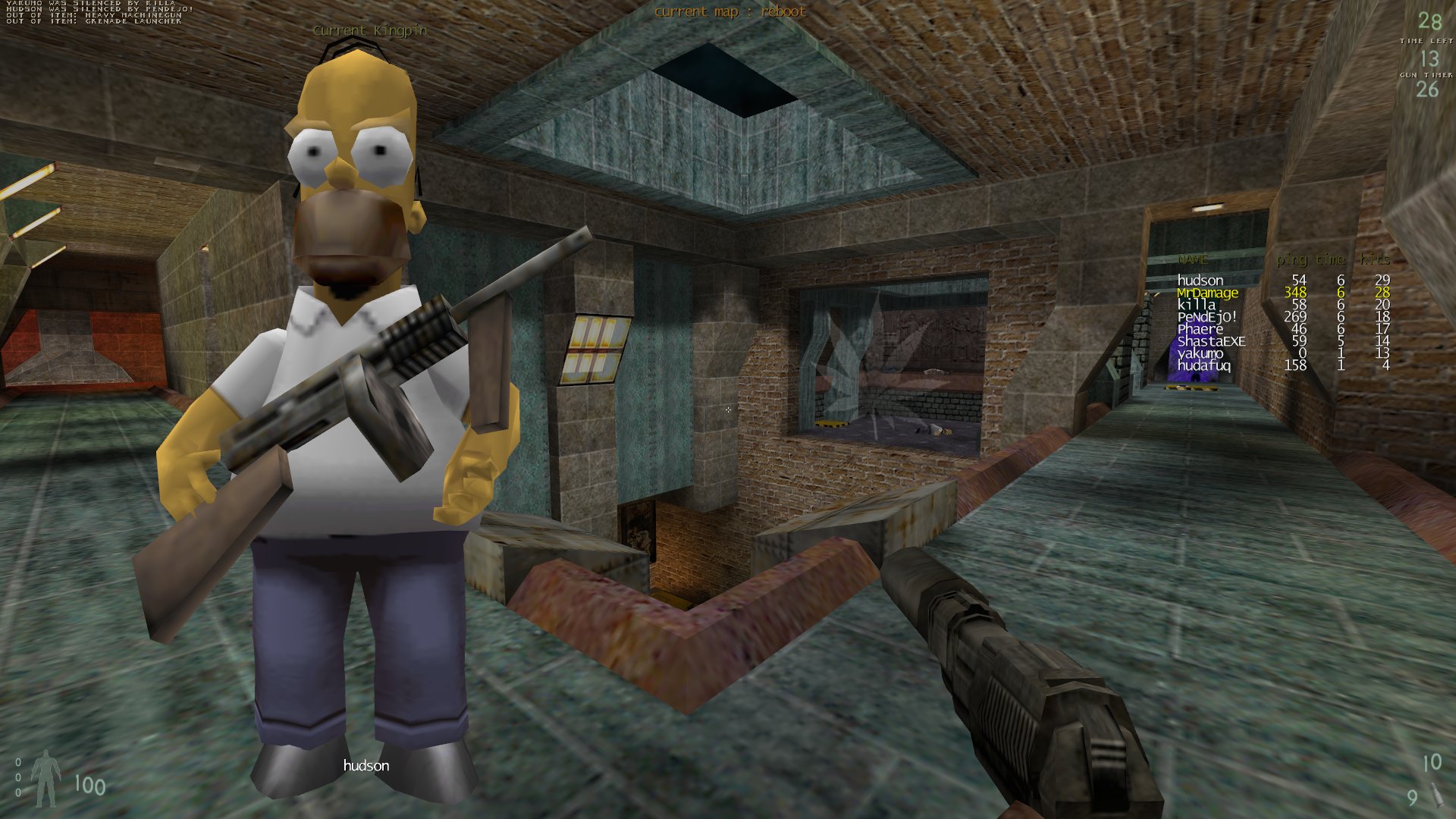
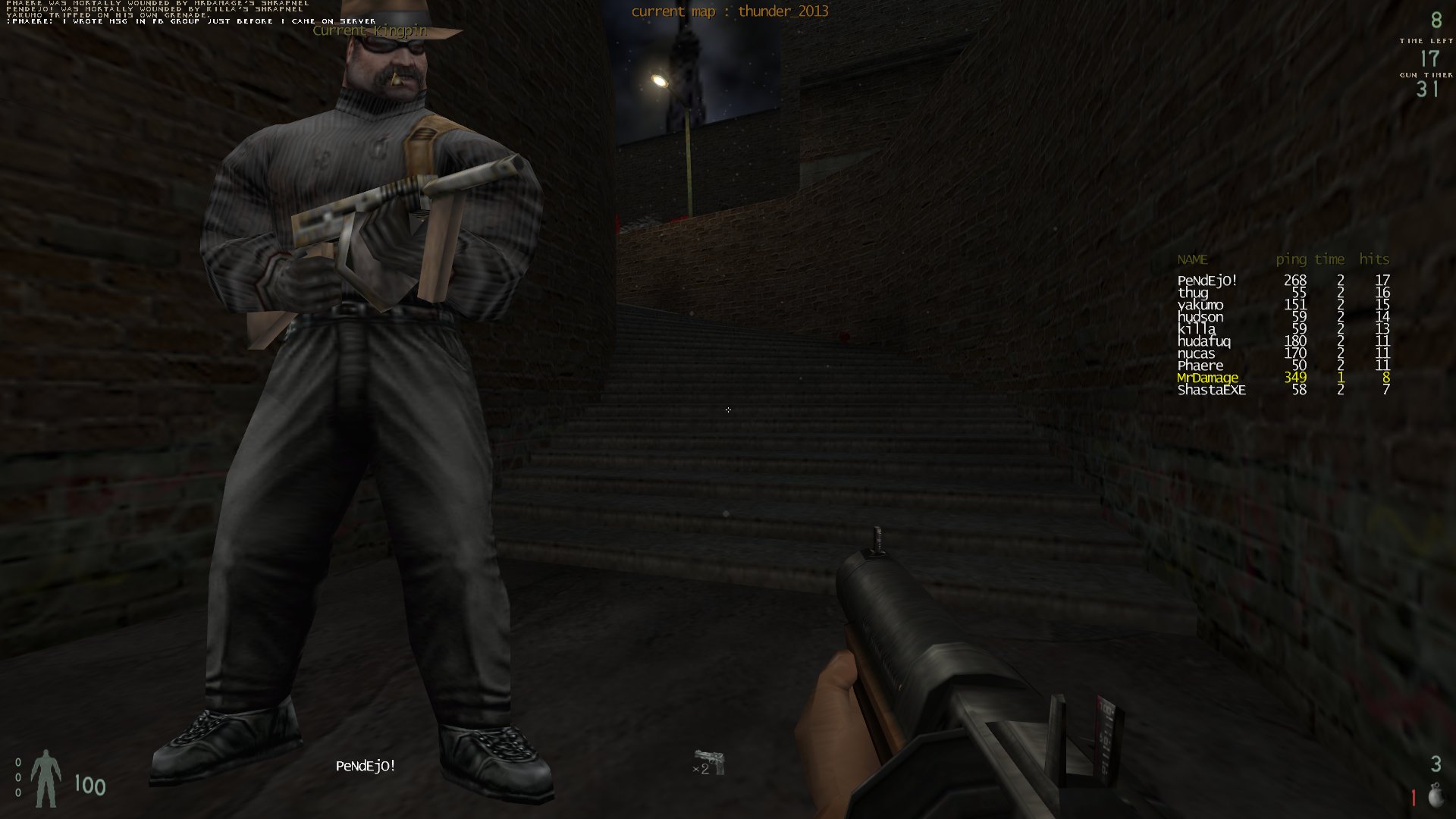
Shots from the game:-
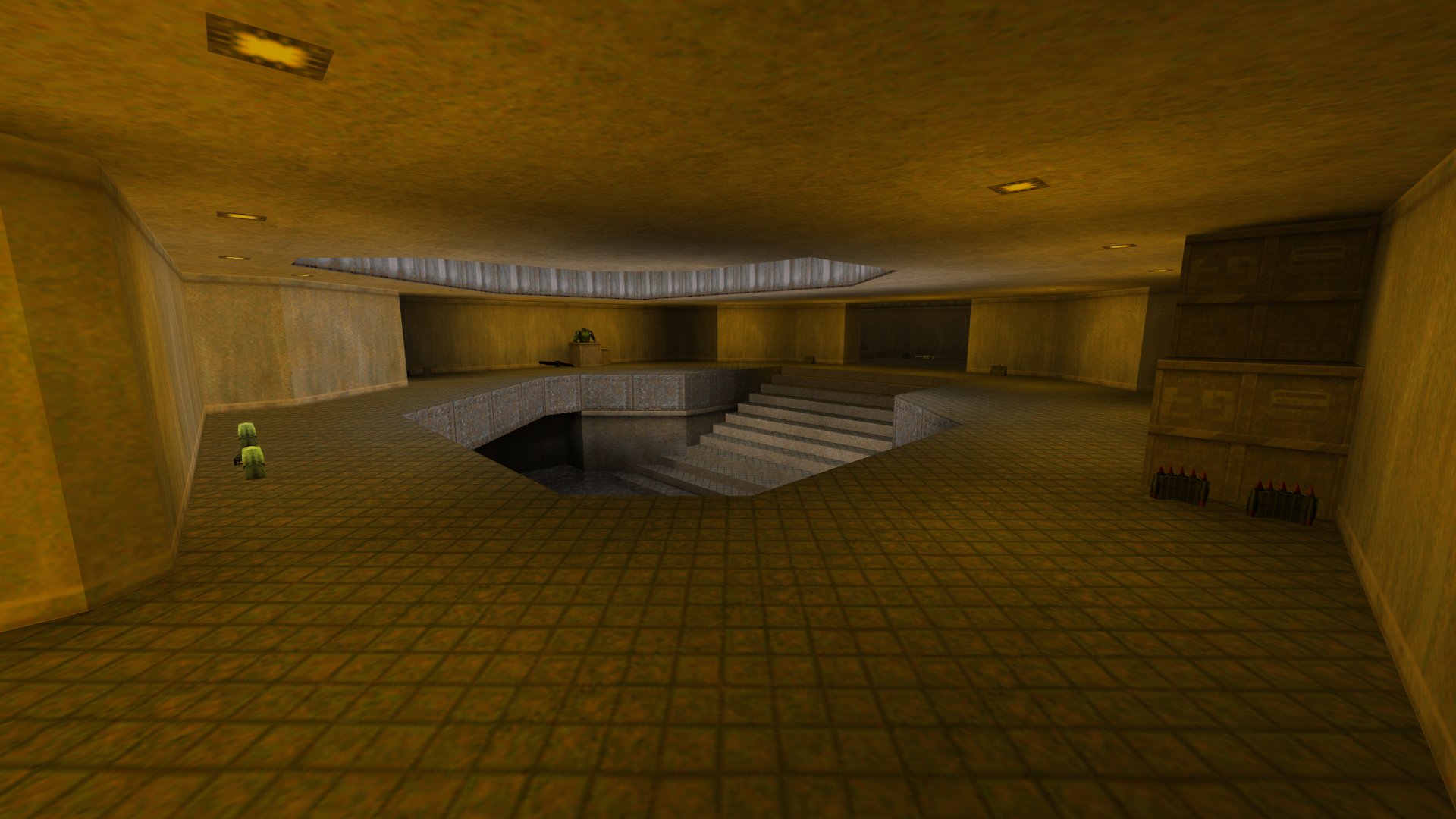
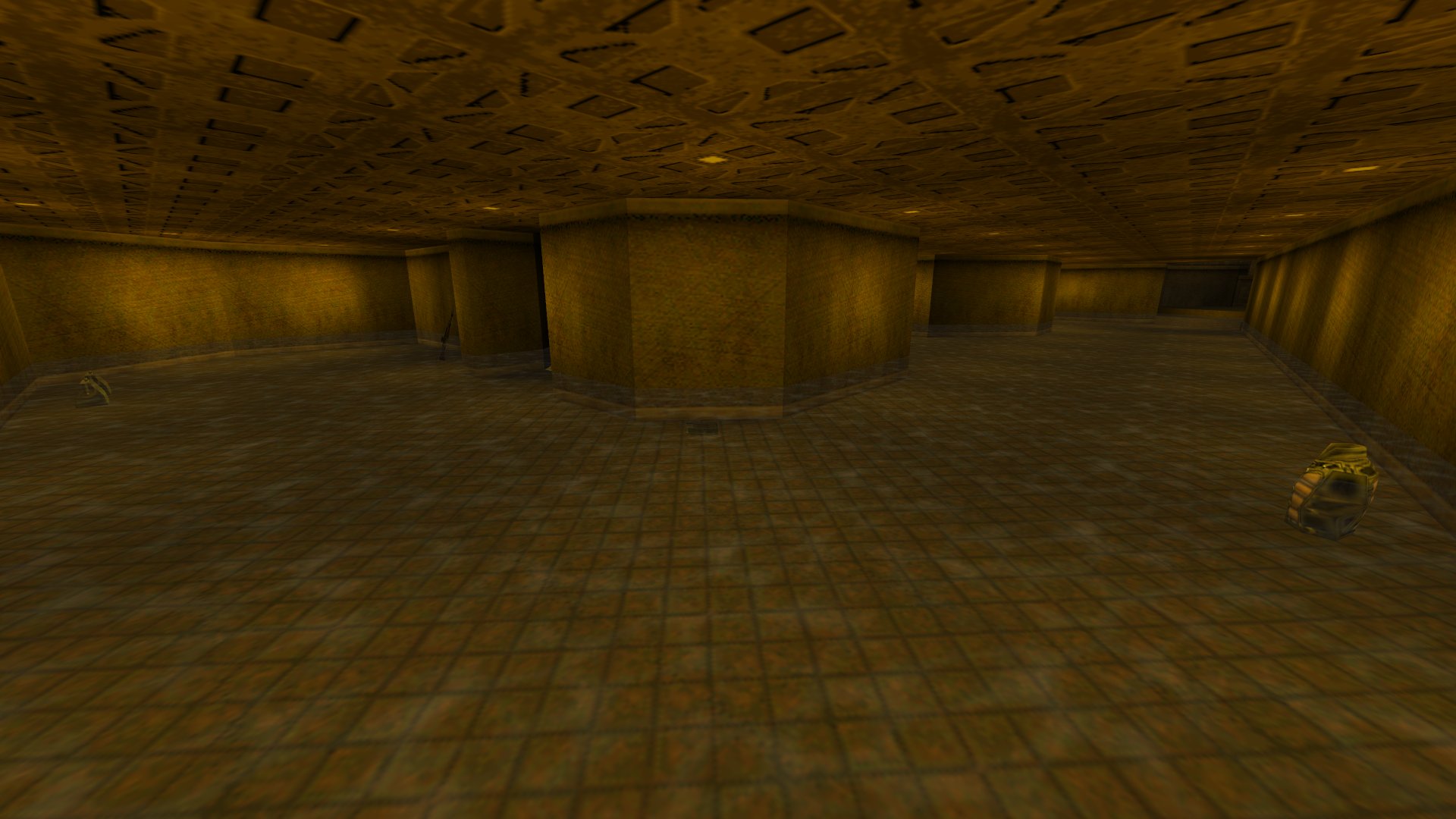
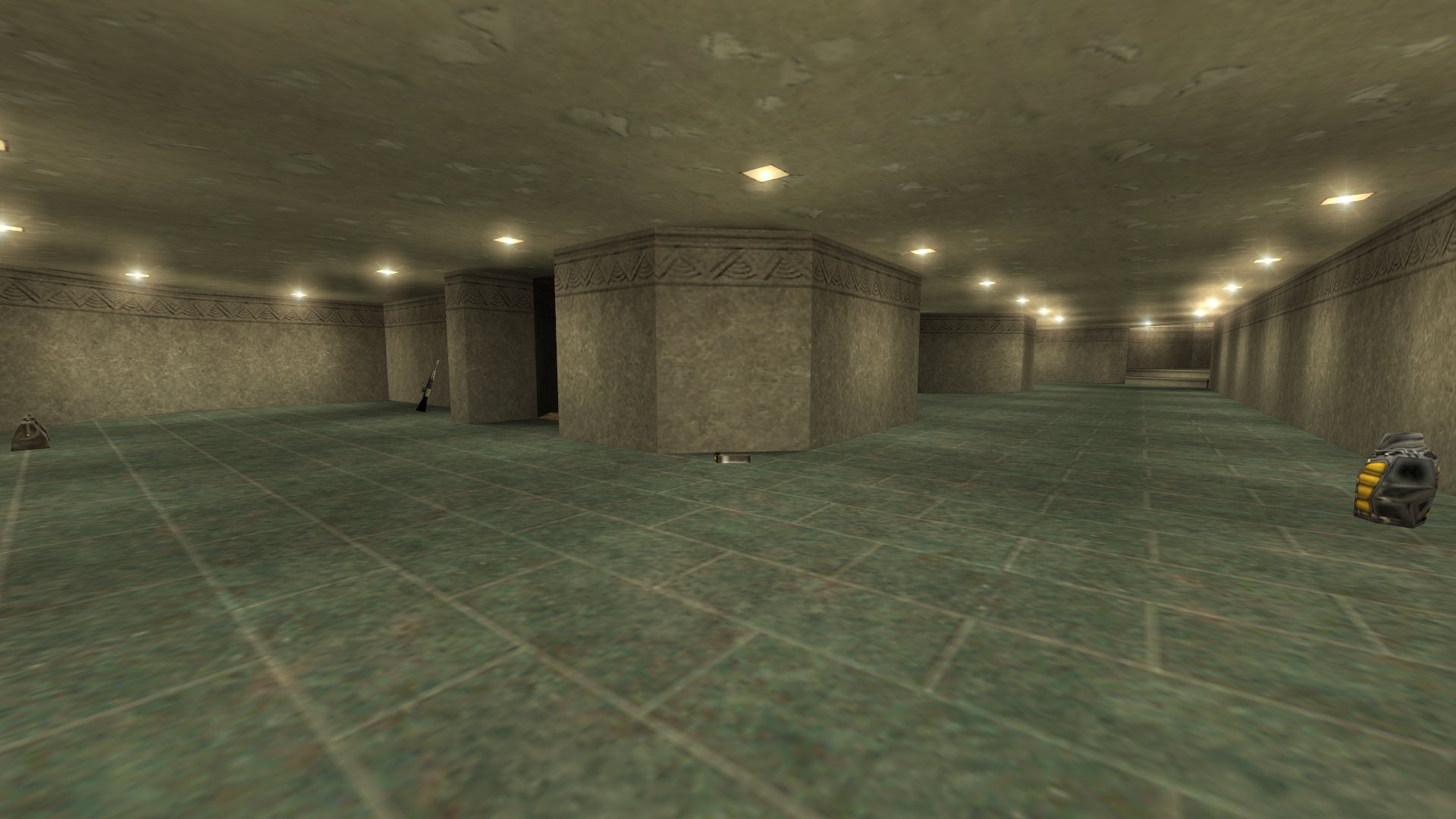
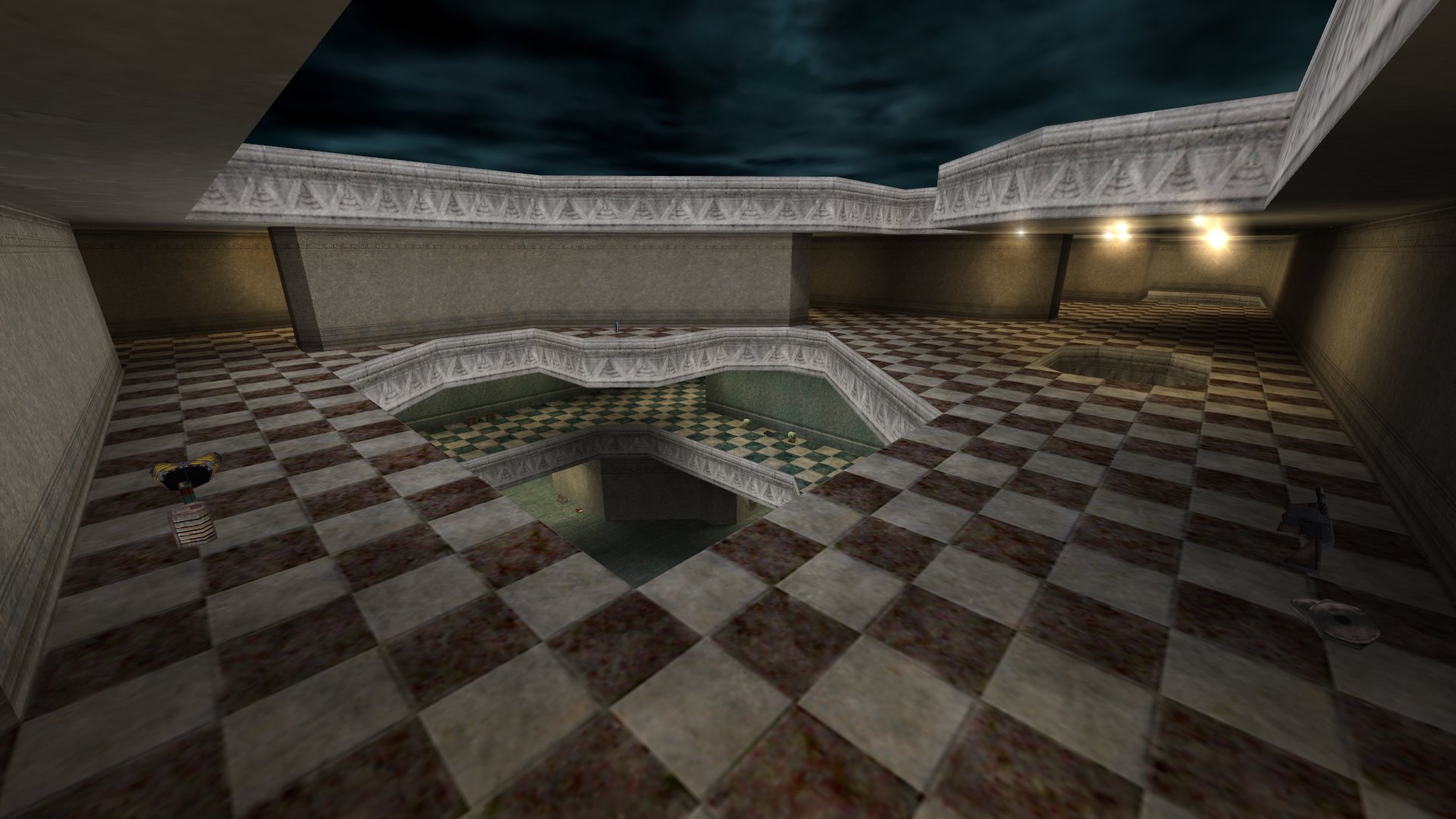
The map being converted from Quake 2 that I posted about a few weeks ago is now completed.
The map was called wolfendm3 in Quake 2 and was made by [WolfeN].
It's a medium sized , multi level, map. It has 17 player spawns and ample weapoin and items.
There are two versions - one uses the original Quake 2 textures (wolfendm3) and the other one has a few changes and uses the central towers texture set (wolfendm3_kp).
You can download the maps from here:-
wolfendm3
wolfendm3_kp
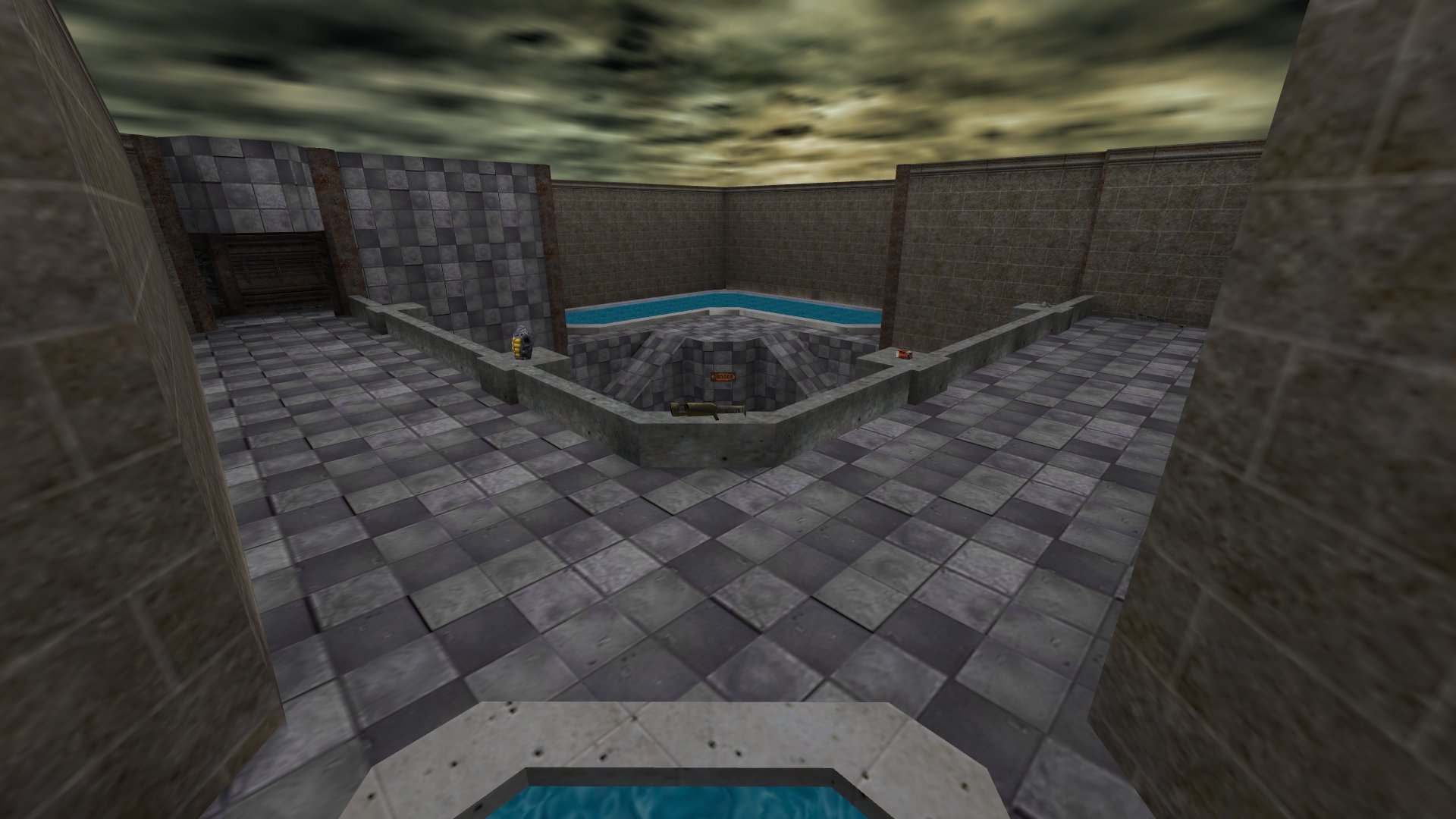
Mancer 2 is a map which is also a conversion/remake from Duke Nukem 3D and was a collaboration between Fredz and Whoop Ass.
Mancer 2 is a small death match map. The main area is an open area and there is swimming pool with a underwater passge to the other side of the map.
You can download Mancer 2 from here.
« Previous page |
Displaying entries 3111-3120 of 3733 |
Next page »



 Search: